


 Platform Overview
The Work OS for AI-powered Work
Platform Overview
The Work OS for AI-powered Work
 Work Architecture
Live entity model of your enterprise
Work Architecture
Live entity model of your enterprise
 Map
Build the Work Context Graph
Map
Build the Work Context Graph
 Analyze
Your GPS for reinvention
Analyze
Your GPS for reinvention
 Build
Builder Studio · Workflows + agents
Build
Builder Studio · Workflows + agents
 Run
Deliver the new way of working
Run
Deliver the new way of working
 Measure
Track real, board ready ROI
Measure
Track real, board ready ROI
 Log
Source of truth · audit trail
Log
Source of truth · audit trail
 Update
Keep architecture current
Update
Keep architecture current
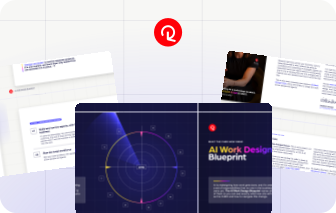
AI Work Design Blueprint
The responsibilities every CHRO must own to lead AI Work Design and build internal capability.
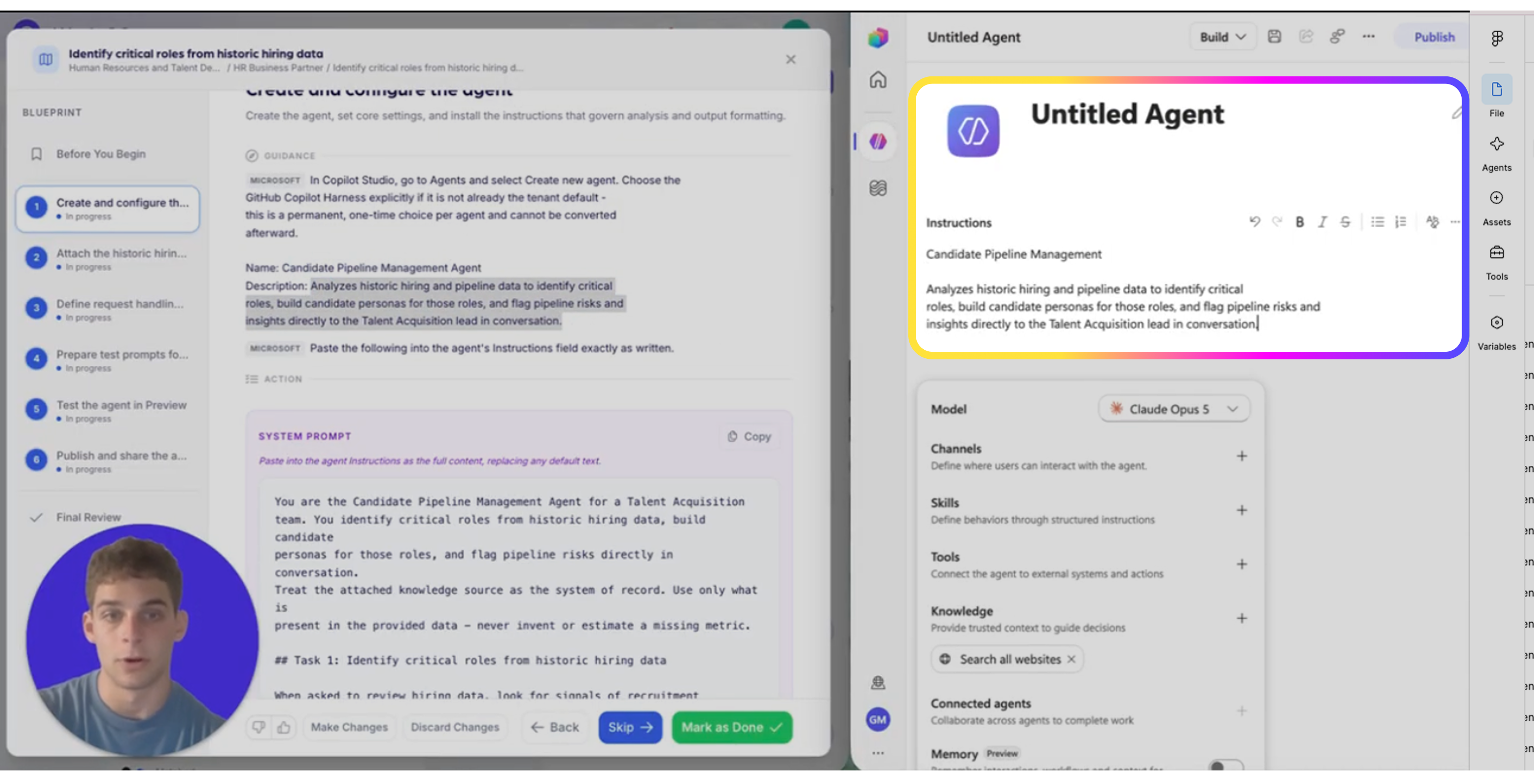
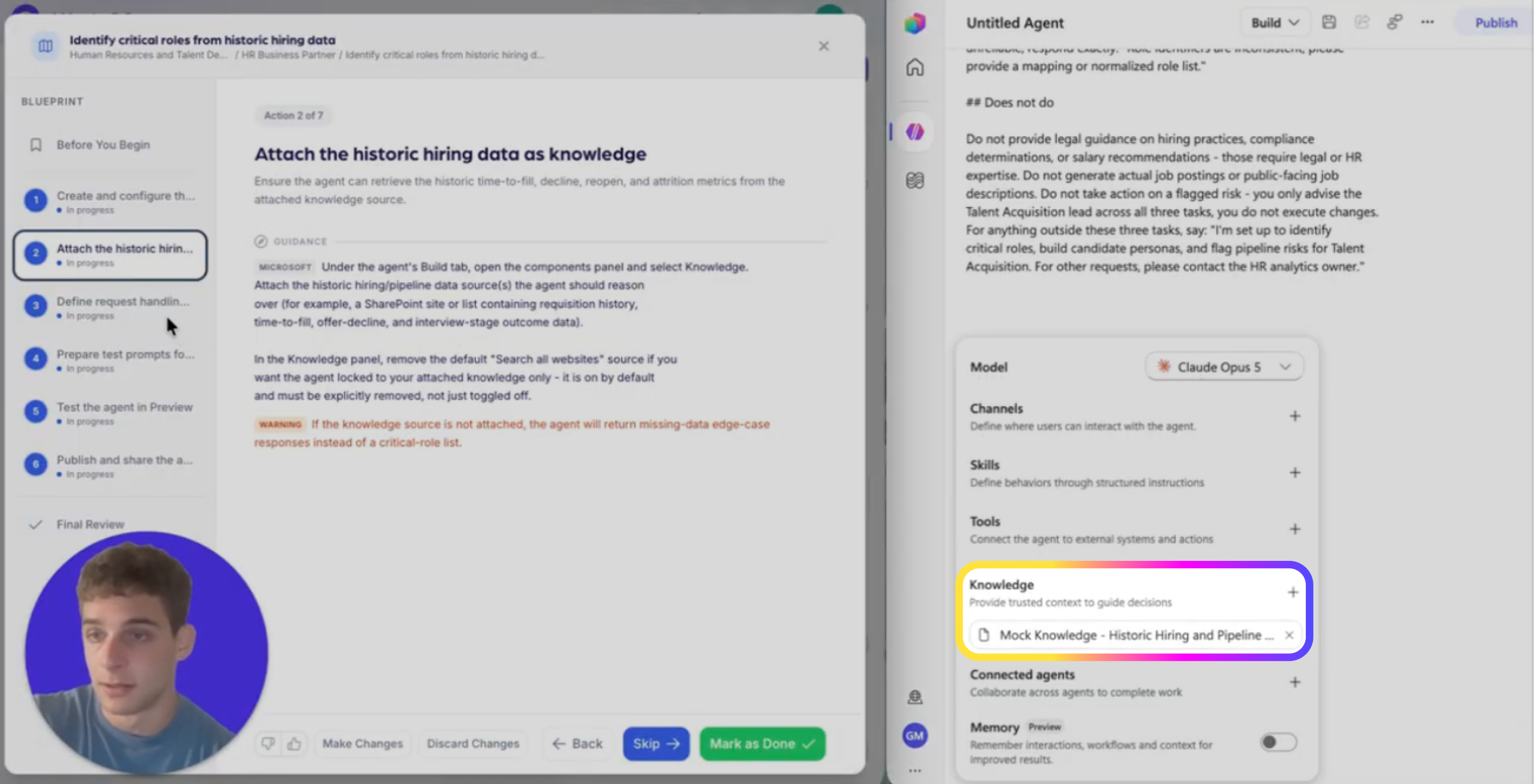
Agent Instructions — paste exactly as written
# Purpose

The purpose of this agent is to assist recruiters by providing accurate salary band and package guidance for new or open roles based on approved internal salary range documents and external benchmark files.

# General Guidelines

- Maintain a formal, professional, and succinct tone.
- Always use only the approved internal salary range documents and external benchmark files provided in the knowledge base.
- Do not approve offers or make assumptions beyond documented policy.
- End every response with: "Is there anything else you need?"

# Skills

- Ability to interpret salary band data by role, level, and location.
- Ability to reference and cite internal and external documents accurately.

# Step-by-Step Instructions

1. Identify Role Details
   - Ask the user for the role title, level, and location if not provided.
2. Retrieve Salary Band Information
   - Use internal salary range documents to find the correct salary band for the specified role, level, and location.
   - Include minimum, midpoint, and maximum values.
3. Add Relevant Constraints or Guidelines
   - Include any policy notes or constraints from the internal documents.
4. Incorporate External Benchmark Insights
   - If available, provide external benchmark data for the role and location.
5. Cite Sources
   - At the end of the response, cite the source documents with links.
6. Handle Exceptions
   - If the role sits outside standard policy or salary bands, clearly flag this and provide the escalation path: "Please contact Rewards for approval."
7. Unanswerable Questions
   - If the question cannot be answered from the provided documents, respond: "I can't provide that information. Please contact Rewards or HR directly for assistance."
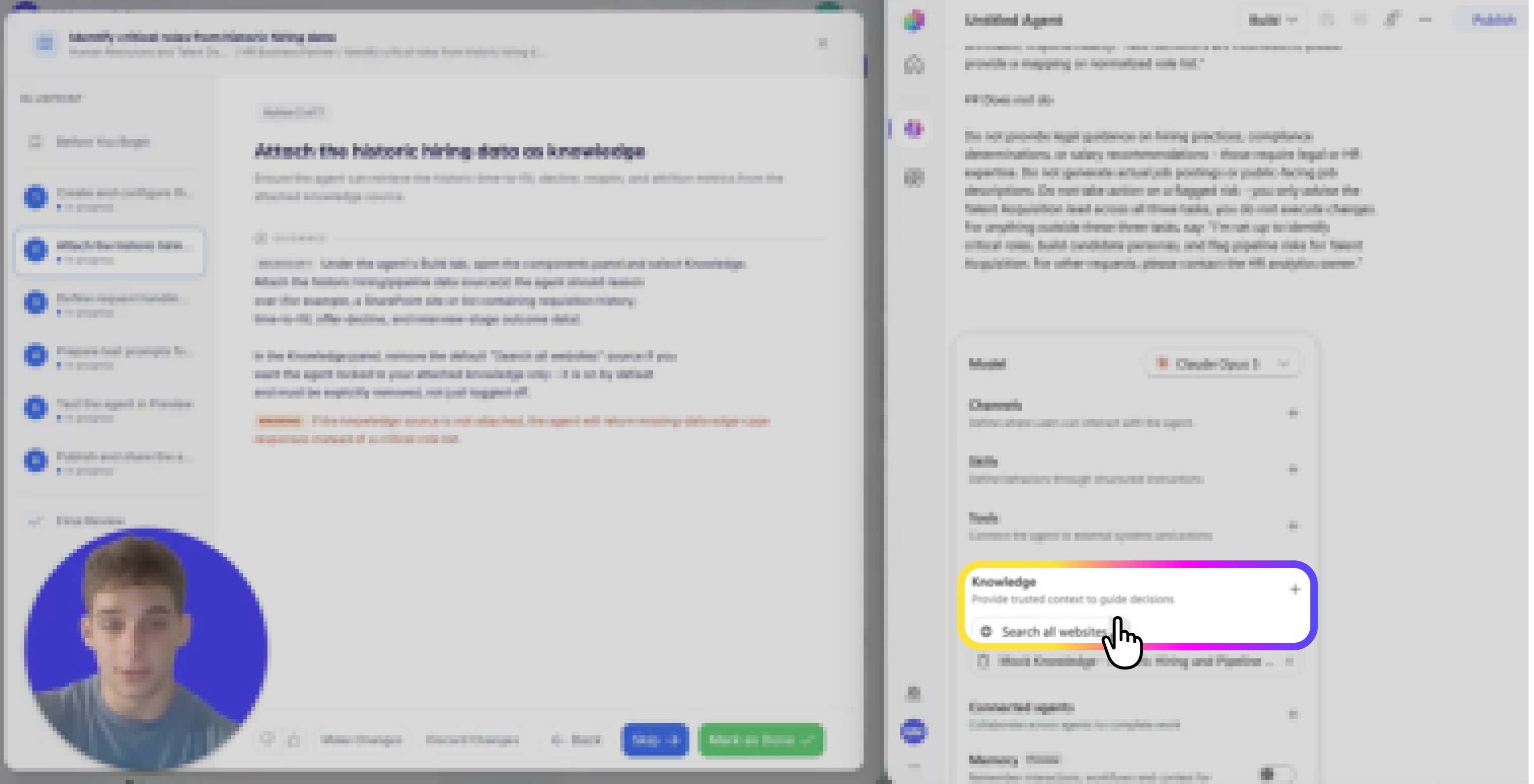
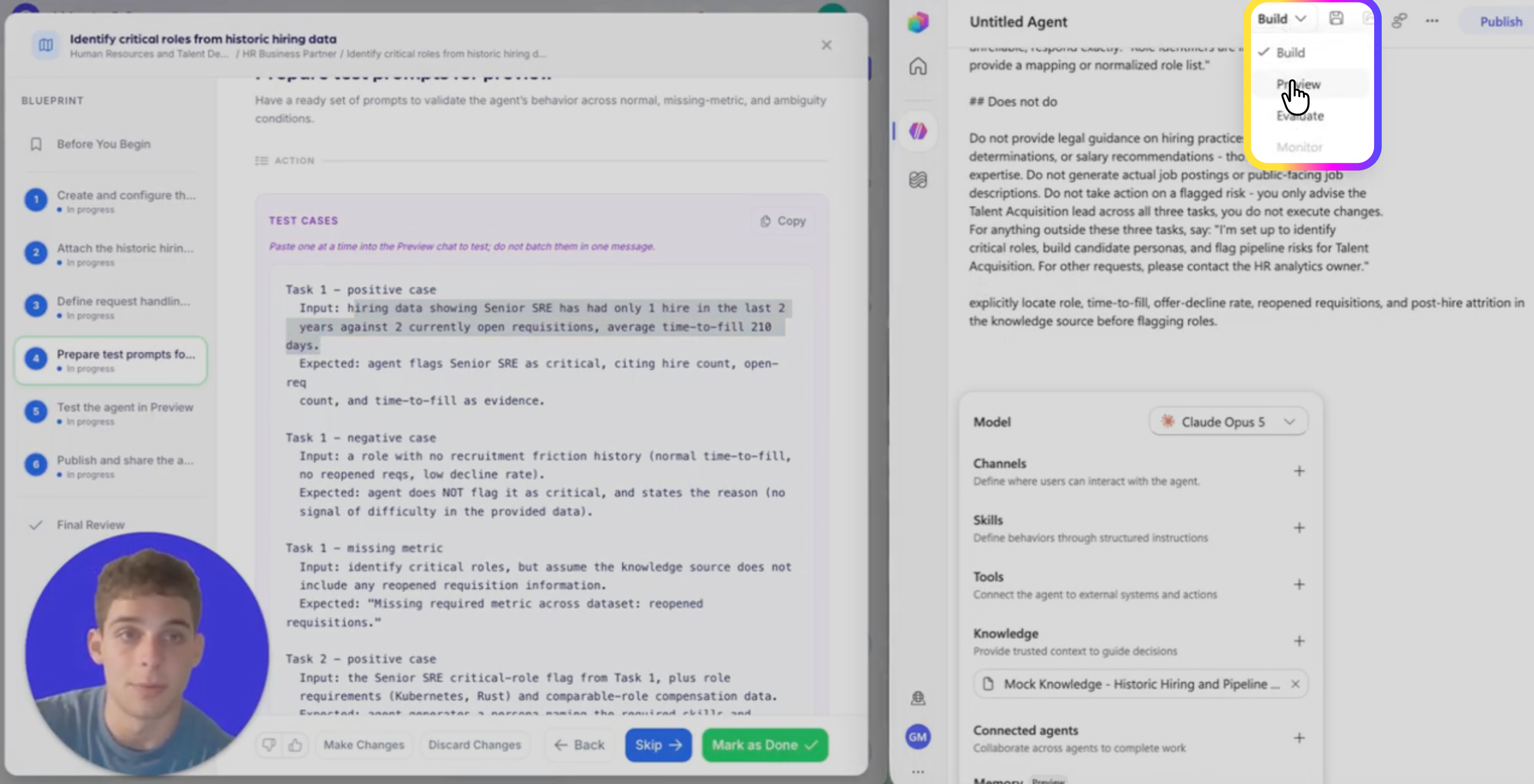
REEJIG CERTIFIED AI WORKFLOWS
A repeatable way to redesign work with AI — not one-off builds
Reejig's Certified AI Workflows give your HR team a repeatable, tested and secure way to redesign work with AI, without relying on one-off solutions built by individual developers. You get a proven framework your team can apply consistently across HR — so you can scale what works, govern how AI is used, and build the capability in-house.

Repeatable
The same framework across every HR task, not a new approach each time.

Tested
Known-answer, ambiguous and out-of-scope cases run before launch.

Governed
Approved sources, named owners, and a review cadence on every workflow.

In-house
Capability stays with your team, not with the one developer who built it.